Taking a course
This guide is for learners. A lesson built with Edzrise Builder is delivered as a normal SCORM activity — you launch it from your course like any other activity. There’s no separate login.
The overview page
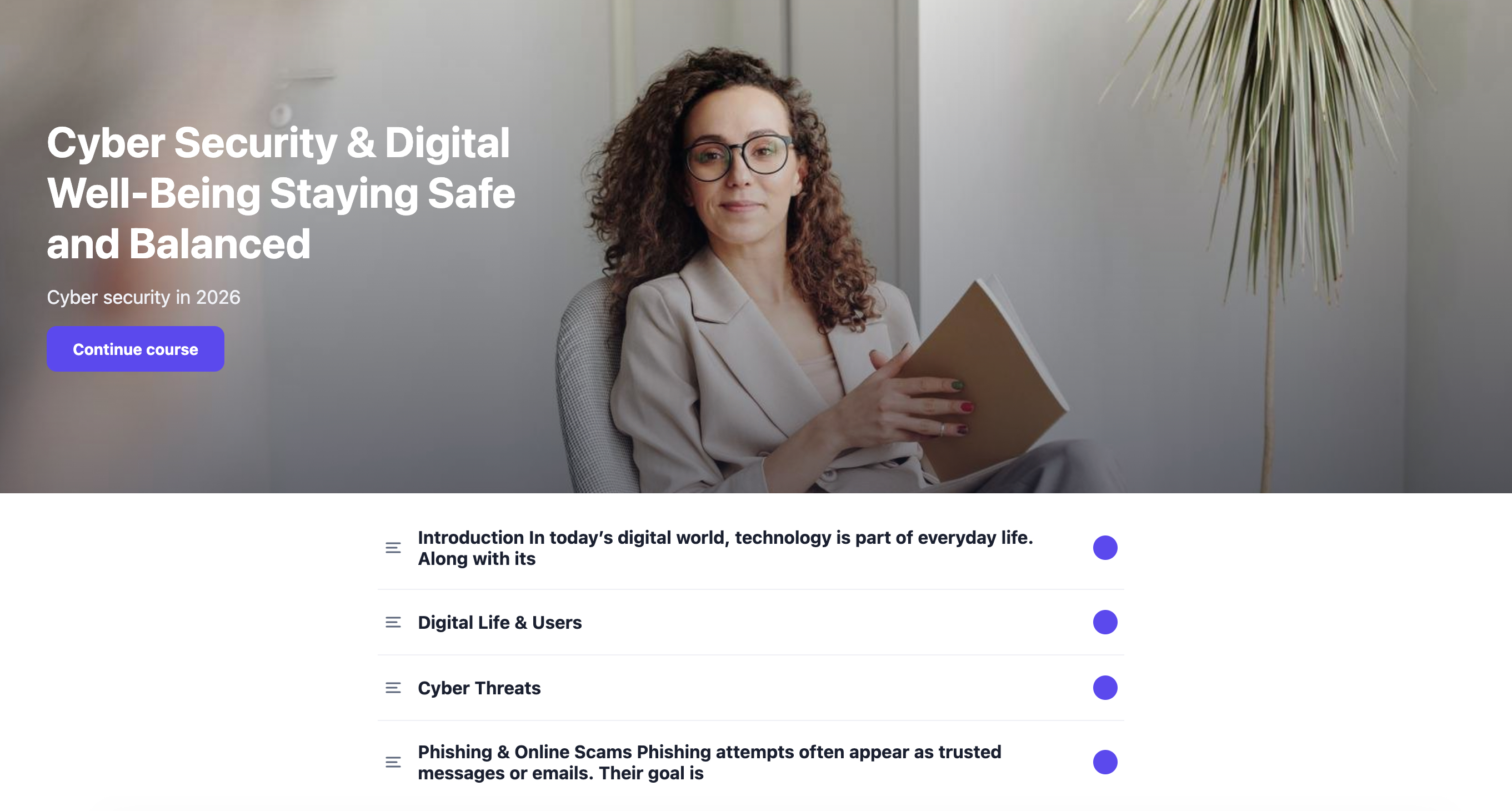
Section titled “The overview page”When you open the activity you land on a cover / overview page: a full-width hero with the course title, an optional description, a Start course button, and a scrollable lesson menu grouped into sections with completion rings.
If you’ve been here before, you’ll see a Continue course button instead, which resumes where you left off.
The paged reader
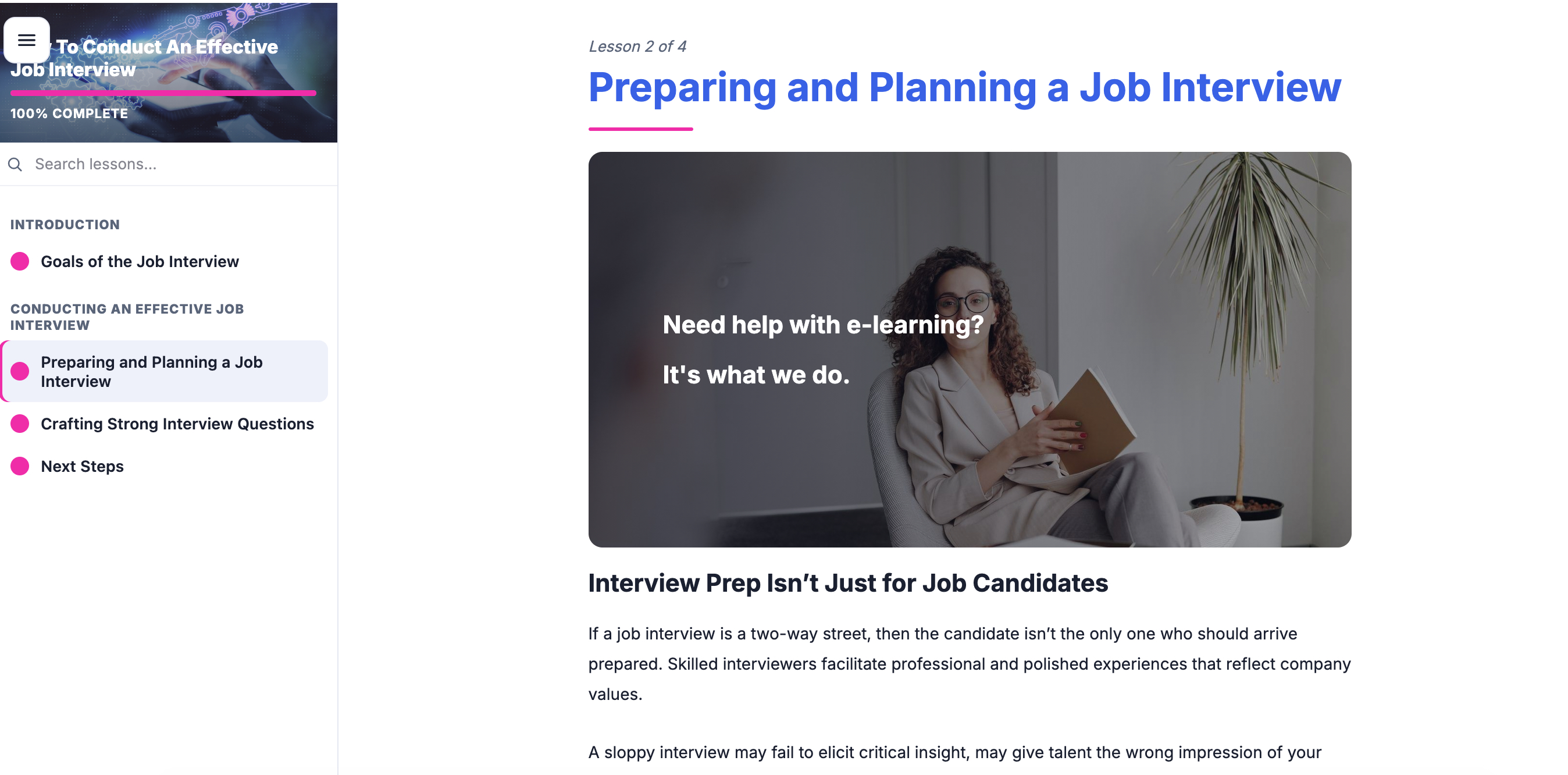
Section titled “The paged reader”Select Start course, or click any lesson in the menu, to enter the reader — one lesson per page. It has:
- A left table of contents sidebar with a search box and your progress.
- Previous and Continue navigation.
- In-lesson “continue” gating, where some pages ask you to continue before moving on.
- A completion screen at the end.
Activities and checks
Section titled “Activities and checks”Lessons can include interactive blocks — accordions, tabs, click-to-reveal, flashcards, and knowledge checks (CFUs) where you pick an answer and submit. Work through them as you read.
Completion and score
Section titled “Completion and score”Your completion and score are reported back to your LMS through the SCORM runtime, just like any other SCORM activity — so your progress shows up in the course as usual. You can leave and return; the reader brings you back to your place.