Publishing to SCORM
Publishing turns your build into a standard SCORM activity in the course. Learners launch it like any SCORM package, and completion and score are tracked normally.
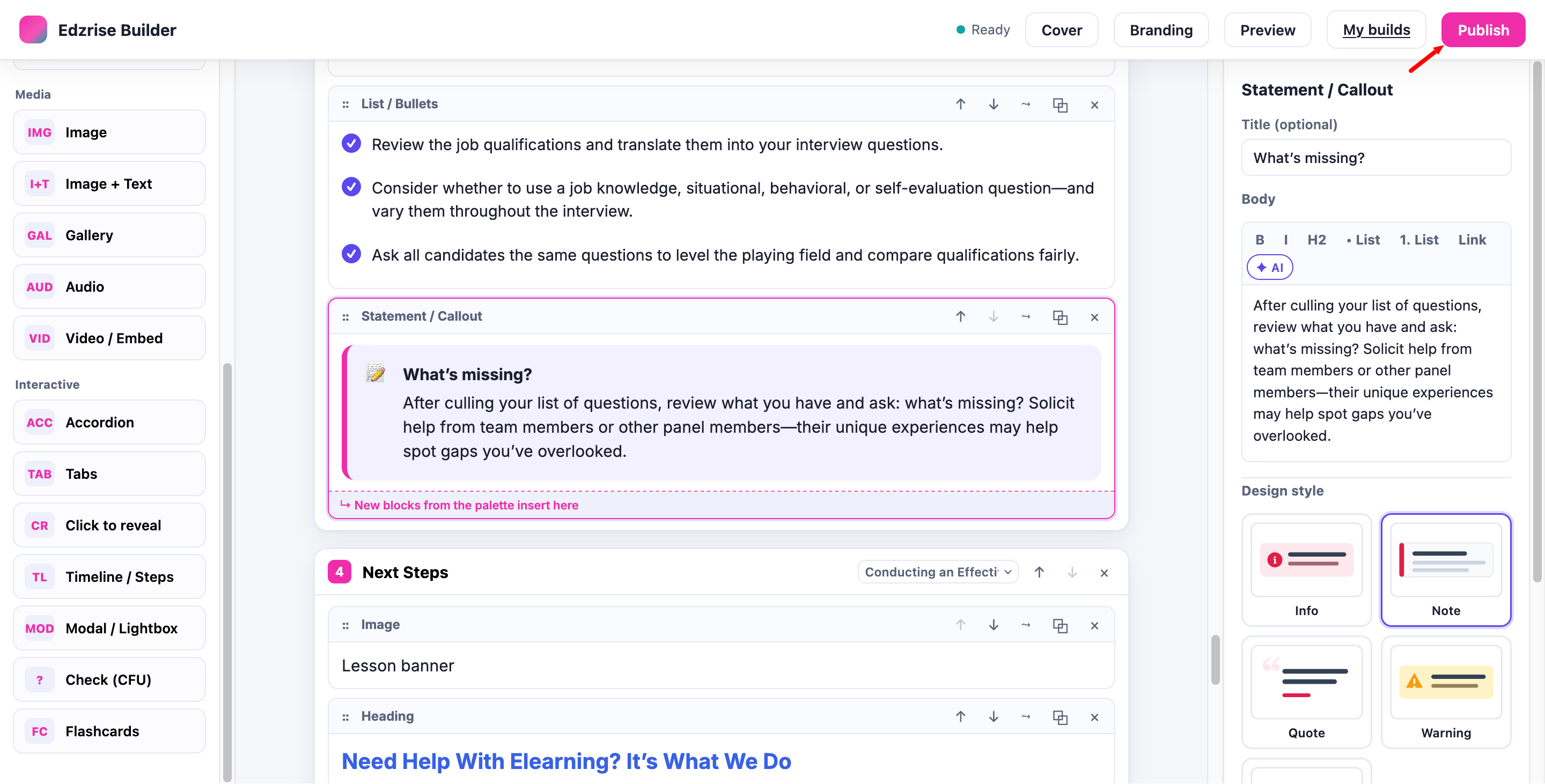
Publish
Section titled “Publish”-
From the builder, select Publish. A conformant SCORM package is built and a SCORM activity is created in your course.
-
Select Open in course to go straight to the new activity.
The package is self-contained — all media is bundled in — so it works offline once delivered.
Re-publish
Section titled “Re-publish”To update a published lesson, reopen the build, make your edits, and select Publish again. Re-publishing updates the same activity in place (versioned), preserving learner tracking where the SCORM standard allows. Any limits are documented to you at publish time.
How the activity opens
Section titled “How the activity opens”A published activity is a normal SCORM activity. Its Appearance → Display package setting controls how it opens:
- Current window (recommended) — the Edzrise reader is a full-screen, responsive experience designed for this mode.
- New window — supported, but there’s no real benefit for this content. Prefer “current window” unless you have a specific reason.
Troubleshooting
Section titled “Troubleshooting”| Symptom | Likely cause | What to do |
|---|---|---|
| ”Publish failed: a valid course is required” | The builder was opened from the site front page | Open the builder from inside a real course and publish there. |
| A player fix isn’t showing in an existing activity | The player is baked in at publish time | Re-publish the build. |
| A block disappears on reload | An unknown block type was stripped | Ask your administrator to confirm the supporting components are up to date. |
For provider and site-level issues, see Settings & permissions.